ExcelAI for Google Sheets

Bring a spreadsheet-aware AI agent and row-by-row bulk tools into Google Sheets.Ask questions, generate formulas, transform columns, and review proposed edits before they are written back to your spreadsheet.

Install ExcelAI

Built for Google Sheets workflows

A sidebar assistant for spreadsheet work that needs context, control, and scale

ExcelAI runs from a Google Sheets sidebar. It signs users in with their Google account, reads the active sheet or selected range when needed, streams AI responses, and uses approval cards before making spreadsheet changes.

Agent

Chat with an assistant that understands the active sheet, selected range, sheet schema, and available tabs.

  • Ask for formulas, analysis, cleanup, or formatting help
  • Review edit previews before approving changes
  • Continue work through chat history and saved preferences
Bulk Tools

Process many rows through structured tools instead of repeating the same prompt manually.

  • Run Custom Prompt, Translate, Classify, Extract, Generate, Rewrite, and Reformat
  • Choose input, context, and output columns
  • Track progress, stop runs, and retry failed rows

Writeback control

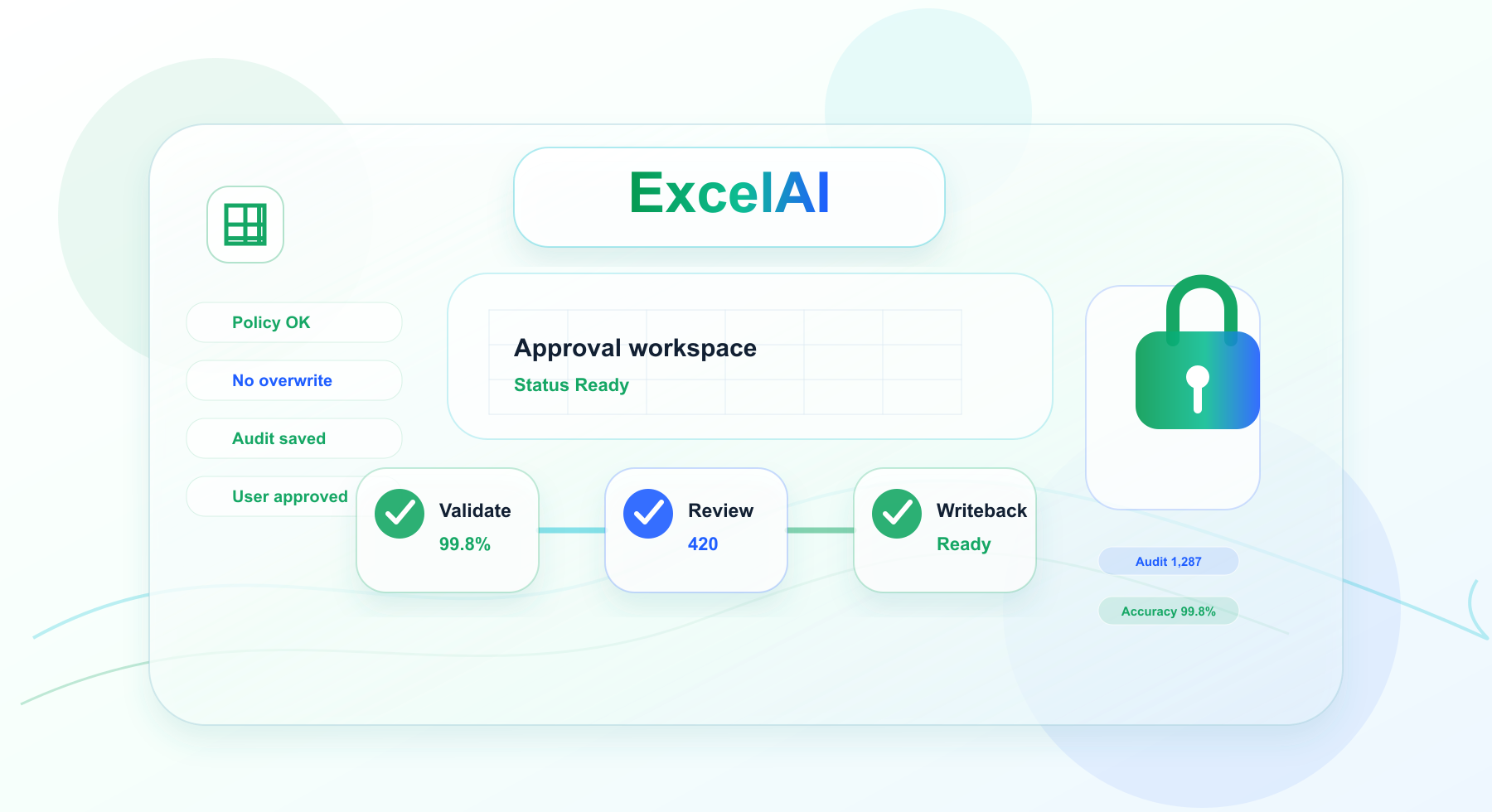
Keep spreadsheet changes deliberate with skip rules, previews, and explicit approval before edits are applied.

  • Skip empty inputs and existing output cells
  • Avoid partial overwrite in multi-column extraction
  • Approve or reject Agent write actions

Why it matters

Spreadsheet teams often repeat the same manual work across product catalogs, support tickets, lead lists, research notes, and operational exports.
  • ExcelAI turns those repeated steps into guided Agent workflows and structured bulk jobs.
  • Teams can spend less time copying prompts between tools and more time reviewing results in the spreadsheet where the work belongs.
The result is a more controlled workflow for generating, cleaning, classifying, extracting, rewriting, and formatting spreadsheet data.
run up to360prompts per minute
process up to200,000rowsat once
1,000xspeed gain

What you can do with ExcelAI in Google Sheets

Generate content

  • Create product copy, summaries, emails, and row-specific text
  • Use context columns to keep generated output specific to each row

Translate at row level

  • Translate a selected source column into a target language
  • Add instructions and glossary guidance for consistent terminology

Classify spreadsheet rows

  • Assign rows to your own categories
  • Skip empty inputs and protect existing result cells

Extract structured fields

  • Pull names, dates, amounts, SKUs, emails, and other fields from text
  • Write multiple extracted fields to separate output columns

Rewrite and polish text

  • Apply tone, audience, format, length, and style rules
  • Keep original columns intact while writing revised text elsewhere

Reformat messy values

  • Normalize dates, phone numbers, addresses, titles, lists, JSON, or CSV
  • Convert values into a target format without overwriting the source column

Install ExcelAI and let AI handle your spreadsheet work

Use AI directly in Google Sheets. Write formulas, clean data, generate content, translate in bulk, analyze spreadsheets, and create reports from one simple prompt.
ExcelAI for Google Sheets