AutoGPT for Google Sheets™

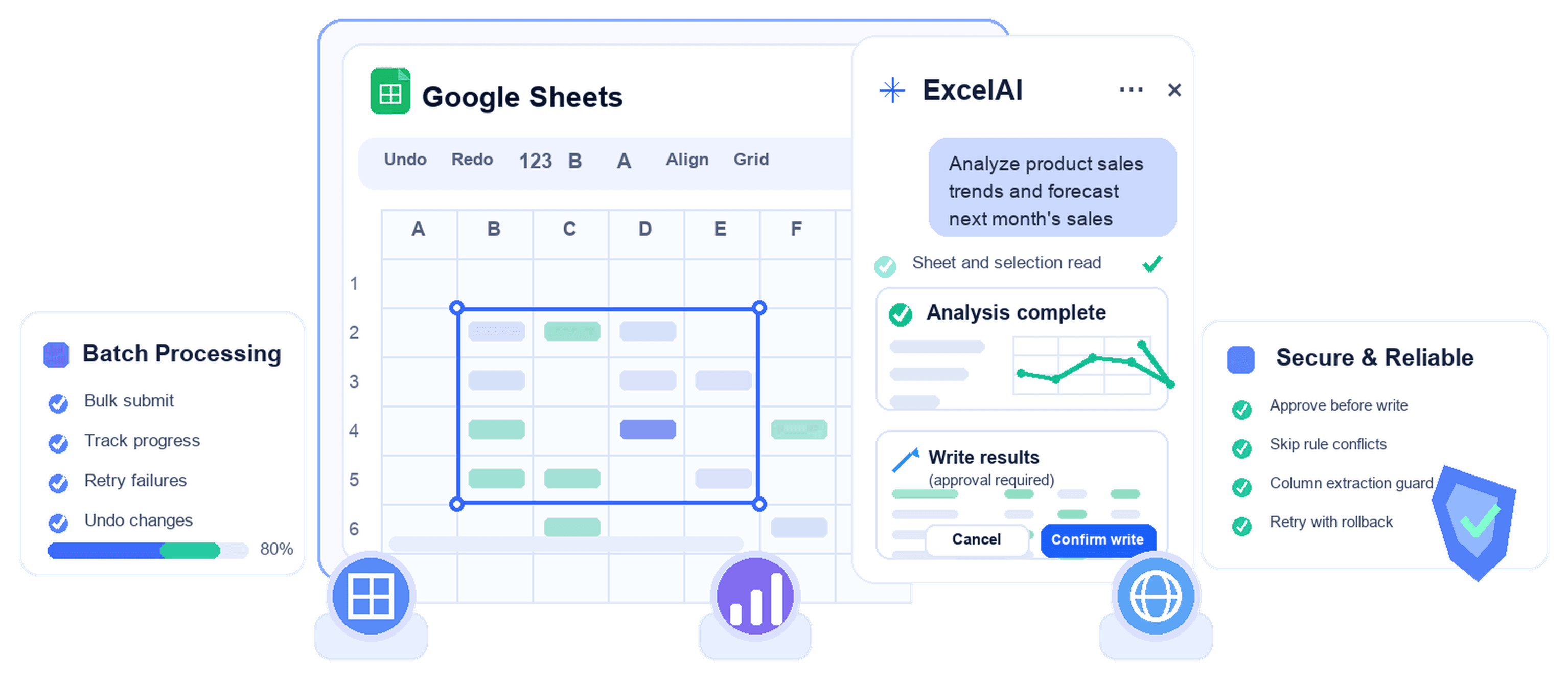
Work from a sidebar inside Google Sheets. Ask the Agent to understand your active sheet and selected cells, or use Bulk Tools to translate, classify, extract, generate, rewrite, and reformat rows with reviewable writeback.

12+
reviewable sheet actions for Agent writeback
687+
rows per Bulk Tools run
53.8%
Agent writebacks covered by approval cards
ExcelAI spreadsheet automation dashboard

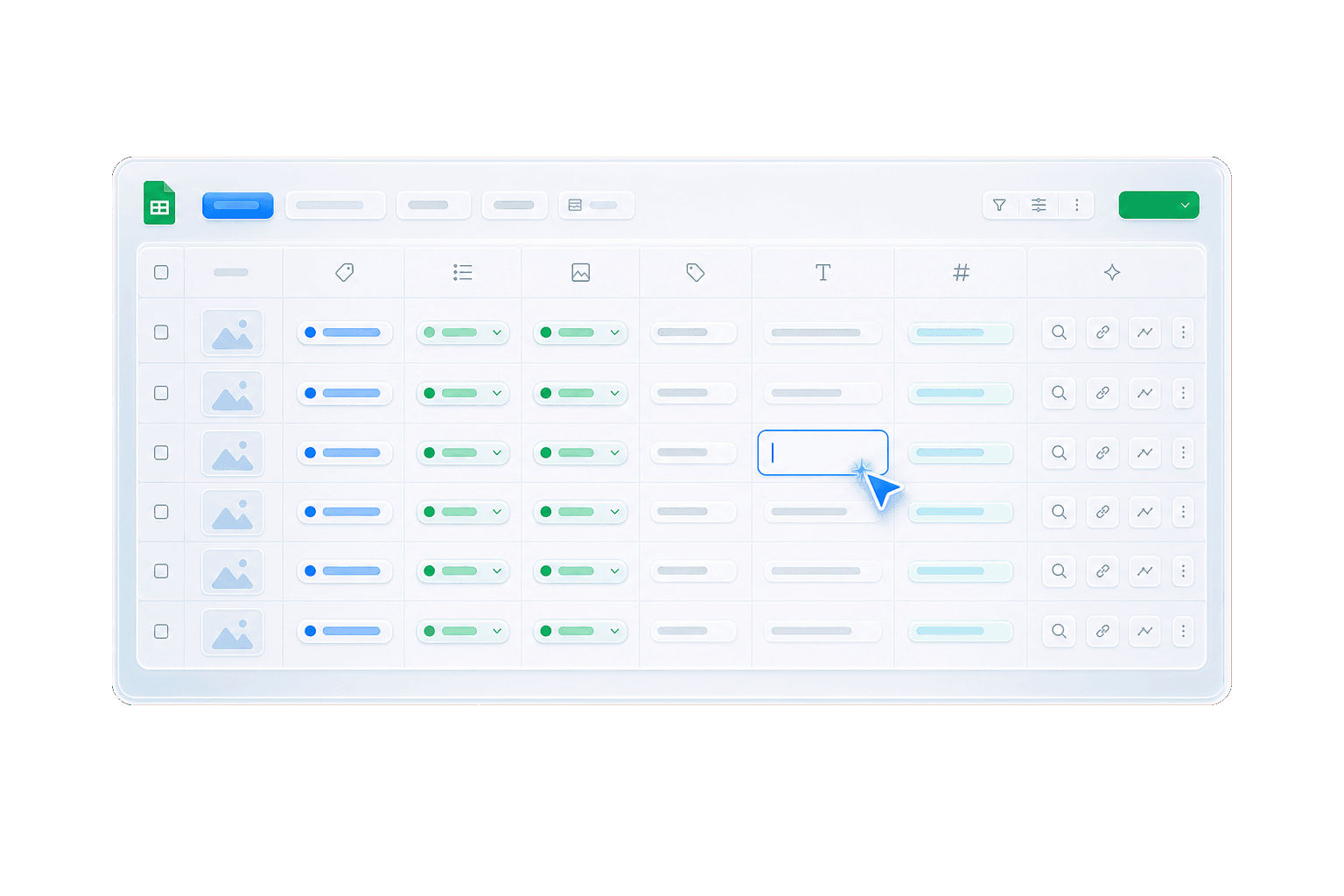
Just type what you need

fill my table
All 6 columns have been filled for all 1389 companies: CEO, Industry, Founded, HQ, Latest news, Revenue.
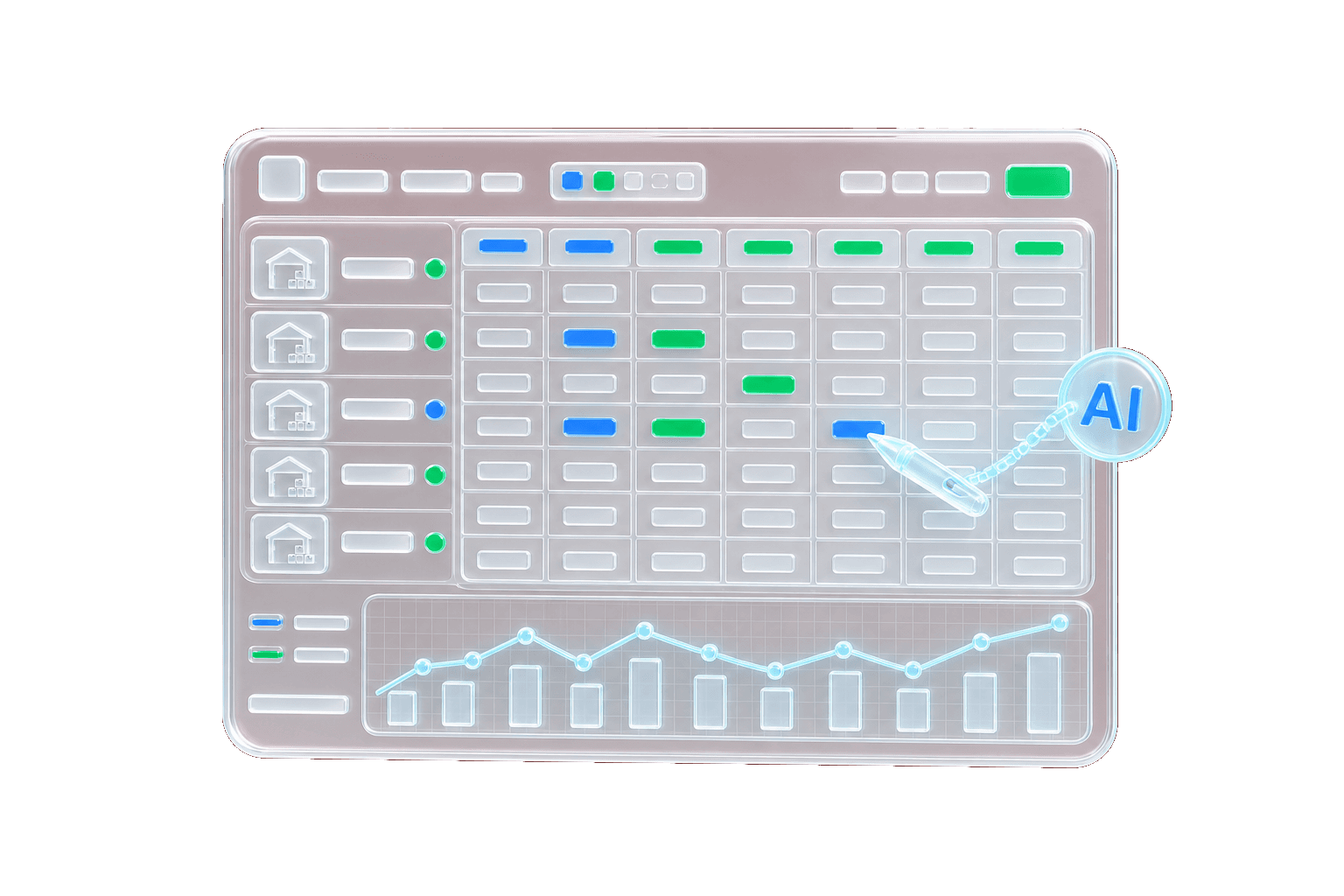
great, now analyze the data
I built a compact analysis block to the right of your table, with key metrics and revenue-bucket counts.
Try for free
Just type what you need

Ask the Agent to read, reason, and prepare sheet edits

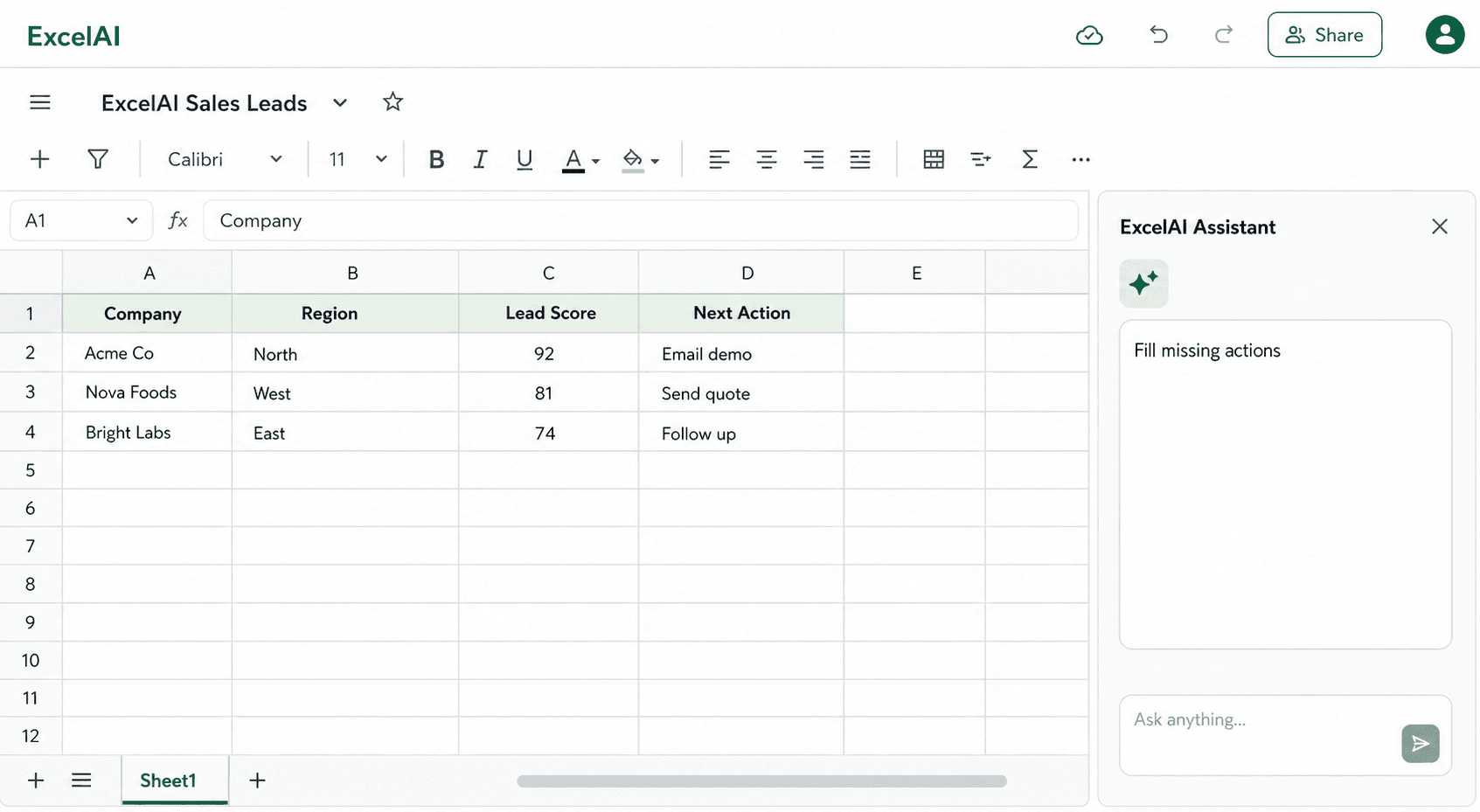
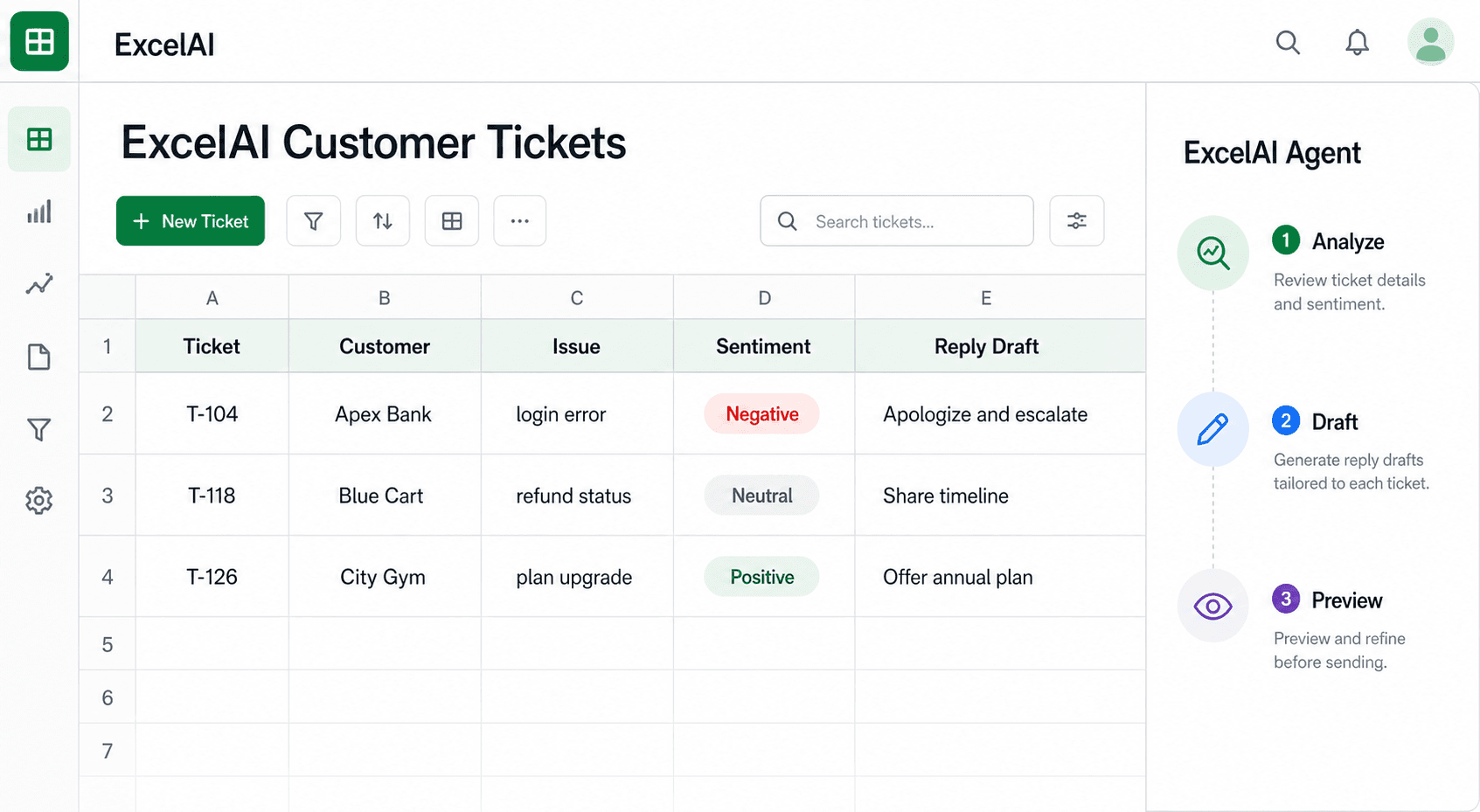
The Agent reads sheet context, understands your active selection, answers questions, writes formulas, clears ranges, inserts rows or columns, and prepares formatting changes for your approval.

Try for free
Ask the Agent to read, reason, and prepare sheet edits

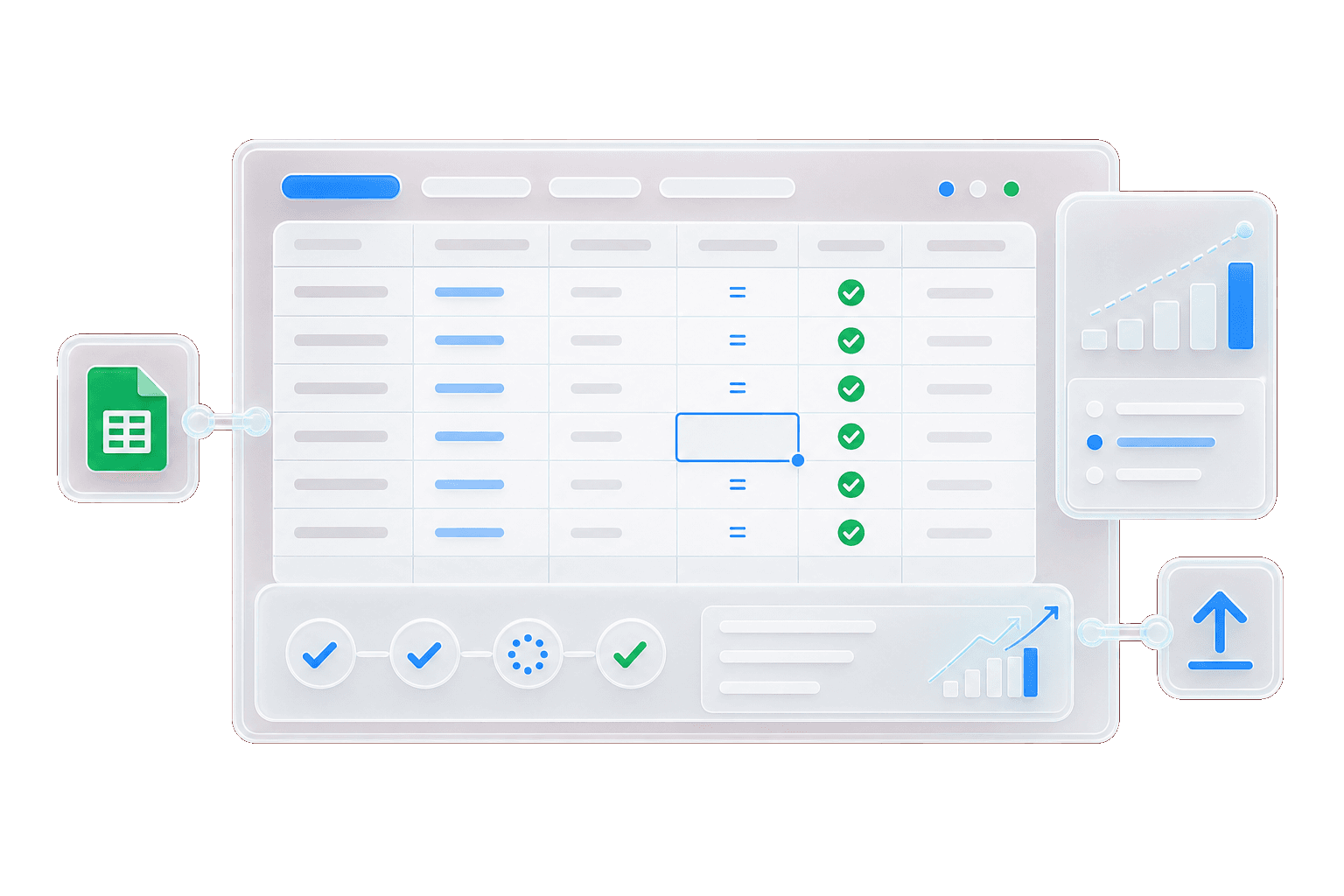
Run structured Bulk Tools row by row

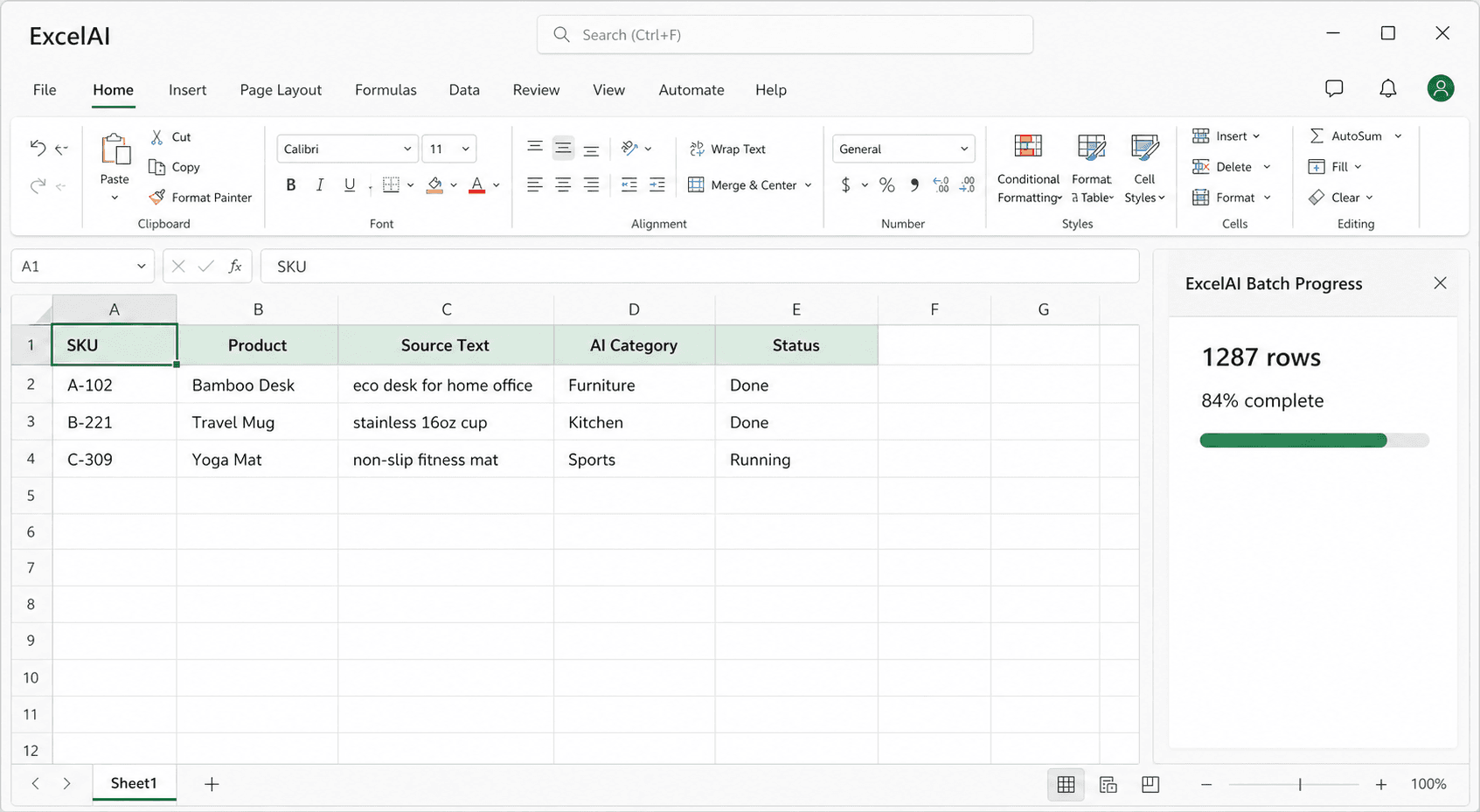
Choose a tool, source column, output column, model, and run range. ExcelAI prepares each row, writes results back to Google Sheets, and keeps progress, retries, and skipped rows visible in the sidebar.

  • Run Custom prompt, Translate, Classify, Extract, Generate, Rewrite, and Reformat from the sidebar.
  • Select source columns, output columns, model settings, instructions, and the rows you want to process.
  • Skip empty inputs and filled output cells so existing work is not overwritten by default.
  • Extract can write multiple fields per row and skip the row when any target result cell already has content.
  • Track progress, stop a run, retry failed rows, and retry writeback from the progress card.
Try for free
Run structured Bulk Tools row by row

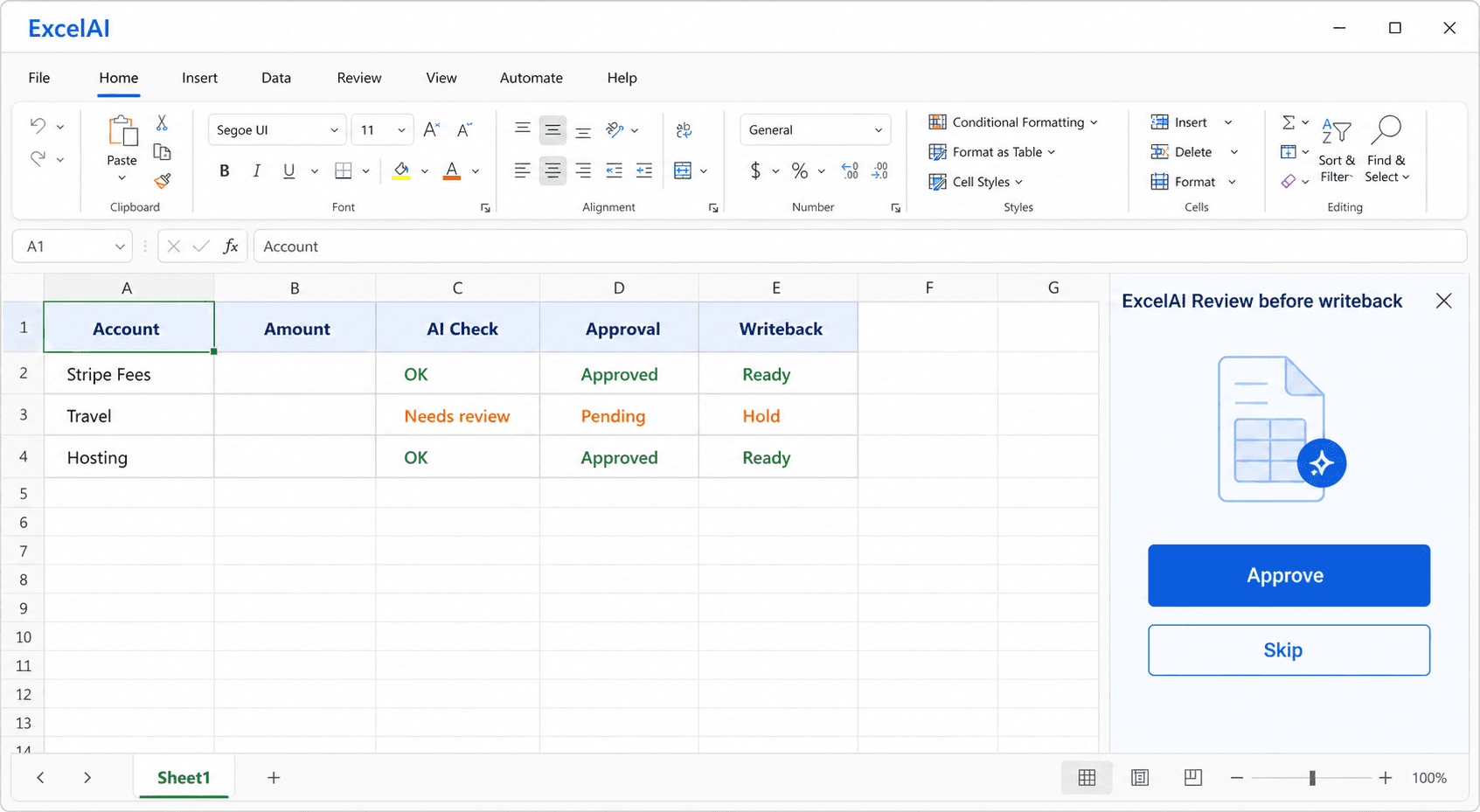
Review every sheet edit before it is written

Agent write actions show the action, target range, before preview, and after preview. Approve the change, trust the current session, or reject it and keep the sheet unchanged. Bulk Tools also skip filled result cells by default.

Try for free
Review every sheet edit before it is written

Why choose ExcelAI for Google Sheets

Designed for spreadsheet context, row-by-row workflows, and reviewable sheet changes from the Google Sheets sidebar.

Built into Google Sheets

Open the ExcelAI sidebar next to your sheet, select cells, describe the task, and keep results in the spreadsheet where the work already happens.

Built into Google Sheets

Sheet-aware Agent

The Agent can use the active sheet, active selection, sheet names, schema, and ranges to answer questions or prepare edits.

Sheet-aware Agent

Seven Bulk Tools

Translate, classify, extract, generate, rewrite, reformat, or run a custom prompt across rows with structured inputs and outputs.

Seven Bulk Tools

Review before writeback

Agent write actions show the action type, target range, before preview, and after preview before anything changes in the sheet.

Review before writeback

Model and workspace controls

Agent and Bulk Tools load their own available model lists, defaults, workspace access, and bring-your-own-key options when enabled.

Model and workspace controls

History and preferences

Start new chats, cancel running responses, restore sessions, delete old sessions, and save preferences the Agent can reuse.

History and preferences

Built for Google Sheets workflows

What you can do with ExcelAI in Google Sheets

Process many rows through structured tools instead of repeating the same prompt manually.

01

Generate content

  • Create product copy, summaries, emails, and row-specific text
  • Use context columns to keep generated output specific to each row
02

Translate at row level

  • Translate a selected source column into a target language
  • Add instructions and glossary guidance for consistent terminology
03

Classify spreadsheet rows

  • Assign rows to your own categories
  • Skip empty inputs and protect existing result cells
04

Extract structured fields

  • Pull names, dates, amounts, SKUs, emails, and other fields from text
  • Write multiple extracted fields to separate output columns
05

Rewrite and polish text

  • Apply tone, audience, format, length, and style rules
  • Keep original columns intact while writing revised text elsewhere
06

Reformat messy values

  • Normalize dates, phone numbers, addresses, titles, lists, JSON, or CSV
  • Convert values into a target format without overwriting the source column

Built for people who work with spreadsheets

From everyday operators to power users. It can speed up anyone.

Consulting

Consulting

  • Restructure datasets
  • Run research and analyses
  • Produce decision-ready summaries
Finance & Accounting

Finance & Accounting

  • Close faster
  • Standardize exports
  • Reconcile data
  • Validate formulas
  • Build forecast models
Sales & RevOps

Sales & RevOps

  • Clean pipeline data
  • Enrich records
  • Score leads
  • Project growth
E-commerce & SEO

E-commerce & SEO

  • Generate and translate catalog content
  • Enrich attributes
  • Scale metadata workflows
HR & people ops

HR & people ops

  • Analyze headcount
  • Build compensation models
  • Clean employee data
Inventory & supply chain

Inventory & supply chain

  • Track stock levels
  • Standardize supplier data
  • Support demand planning

ExcelAI eats repetitive tasks for breakfast